



Guest User
Login
#0 Rank0 Coins
Dashboard
 Notification
 Coins
CoinsGames Categories
 New Games
Connect with us



 sports
 action
 cricket
 arcade
 racing
 adventure
 girls
girls boys
boys hot
hot moresportsactioncricketarcaderacingadventuregirlsboyshotmore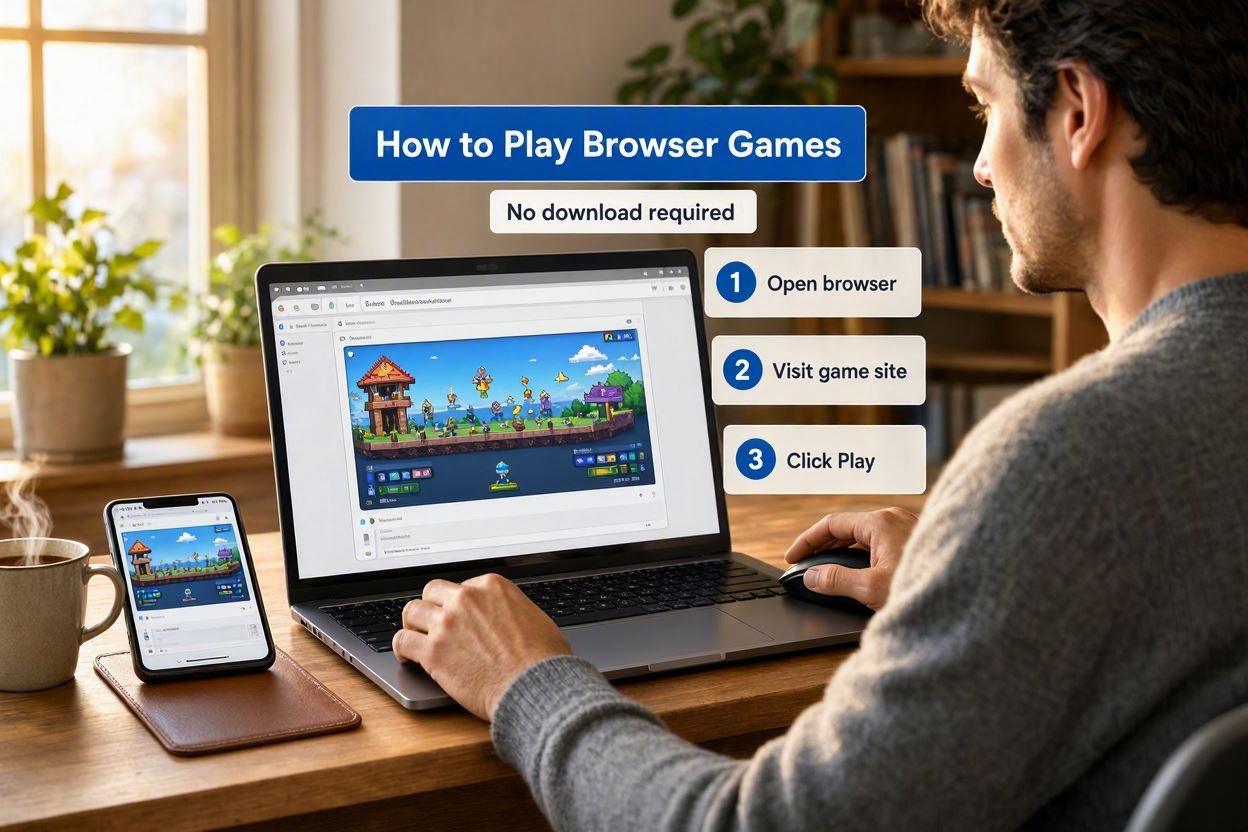
Browser games offer a simple way to play games without installing another app on your phone, tablet, or computer. Instead of downloading a large game file, you can open a supported browser, visit a game page, and start playing once the required files have loaded.
This can be useful when your device has limited storage or when you only want to play for a short time. In this guide, we explain how browser games work, what you need to play them, how to access them on mobile devices, and what to do if a game does not load properly.
Browser games are games that can be played directly through a web browser. Instead of installing a separate app, you access the game from a webpage.
Many modern browser games are built using HTML5 and other web technologies. This allows them to work on different devices, although the experience depends on how each game was designed.
You can find browser versions of many familiar categories, including:
Sports
Action
Adventure
Arcade
Strategy
Simulation
Racing and driving
Puzzle and brain games
Cooking and dress-up games
Multiplayer and 2-player games
Some are made for quick sessions, while others offer several levels or longer gameplay.
Getting started does not require much. A device with a supported browser and an internet connection is usually enough.
Before opening a game, it helps to make sure that:
· Your browser is updated
· The game supports your device
· Your internet connection is reasonably stable
· Your browser is allowing the game to load properly
· Your device has enough available memory and resources to run the game
A basic game may run without any noticeable problems on an older phone. More detailed games can be more demanding.
The process is fairly straightforward.
Start with the browser you normally use. Chrome, Safari, Firefox, Edge, and other modern browsers can run many HTML5 games.
Search for the type of game you want. You can look for a particular genre or browse through a website that offers several browser games.
It is usually better to choose a game that clearly mentions support for your device, especially if you are playing on a phone.
Go to the game's page and allow it some time to load. How long this takes will depend on the game, your connection, and your device.
4. Check the Controls
Once the game opens, look for the instructions. Some games explain the controls before starting, while others keep them on the screen during gameplay.
After that, you can simply start playing.
Playing through a smartphone is slightly different from using a computer. Mobile-friendly games are usually designed around touch controls.
You might need to:
· Tap the screen
· Swipe in a particular direction
· Hold a button
· Use virtual controls
· Turn the phone to landscape mode
The experience depends heavily on the game. A simple puzzle game may feel perfectly natural on a phone, while a game that needs several keyboard keys may be better suited to a computer.
In most cases, you do not need to install the game as a separate application. The browser loads the files needed to run it.
That does not mean absolutely nothing is stored on your device. Your browser can keep temporary files, cached content, or other data related to the webpage.
There is also an important difference between a game loading its own files and a website asking you to download an unfamiliar program. If a browser game suddenly asks you to install an unknown file, extension, or application, it is worth checking the source before continuing.
Many browser games are available without a purchase. However, the way they are offered can vary.
Some may contain advertisements. Others might have optional purchases or additional features. A game can be free to access while still using mobile data to load its files and gameplay content.
If you are playing over mobile data, games with larger files may use more data than basic ones.
A browser game may occasionally refuse to start or may stop working properly. Before assuming that the game is unavailable, try a few basic fixes.
· Refresh the page
· Check your internet connection
· Close some unused browser tabs
· Restart the browser
· Try another supported browser
· Check whether the game works on your device
· Clear cached browser data if necessary
If everything else is working and only one game has a problem, the issue could be with the game itself rather than your device.
Both options have their place.
Browser games can be useful when you want to start playing without installing anything. They are also handy if you like trying different games rather than keeping the same titles on your phone.
Downloaded games may be more suitable if you regularly play one particular title, want offline access, or need features that depend on an installed app.
The choice can come down to simple things such as storage, internet access, and how often you plan to play.
Before spending time on a browser game, check whether it is suitable for your device. A game that works well on a desktop may not have the same controls or layout on a phone.
It is also worth paying attention to the website you are using. Avoid downloading files simply because a page tells you that they are necessary to play a game.
For a smoother experience, keep your browser reasonably updated and close unnecessary tabs if your device is struggling.
Playing a game without downloading an app is fairly simple. Open a browser, find a game that supports your device, wait for it to load, and follow the controls provided on the screen.
Browser games are not a replacement for every type of mobile or PC game, but they can be useful when you want something quick and do not want another installation taking up space. With racing, puzzles, sports, action, adventure, and multiplayer games available, there are plenty of formats to explore directly from a browser.

Atmegame.com is a completely new platform for the online games lovers.The best part is that all games available on our website are free and can be enjoyable on multiple devices, including desktop, mobile phones, tablets, and iPhones or iPads.